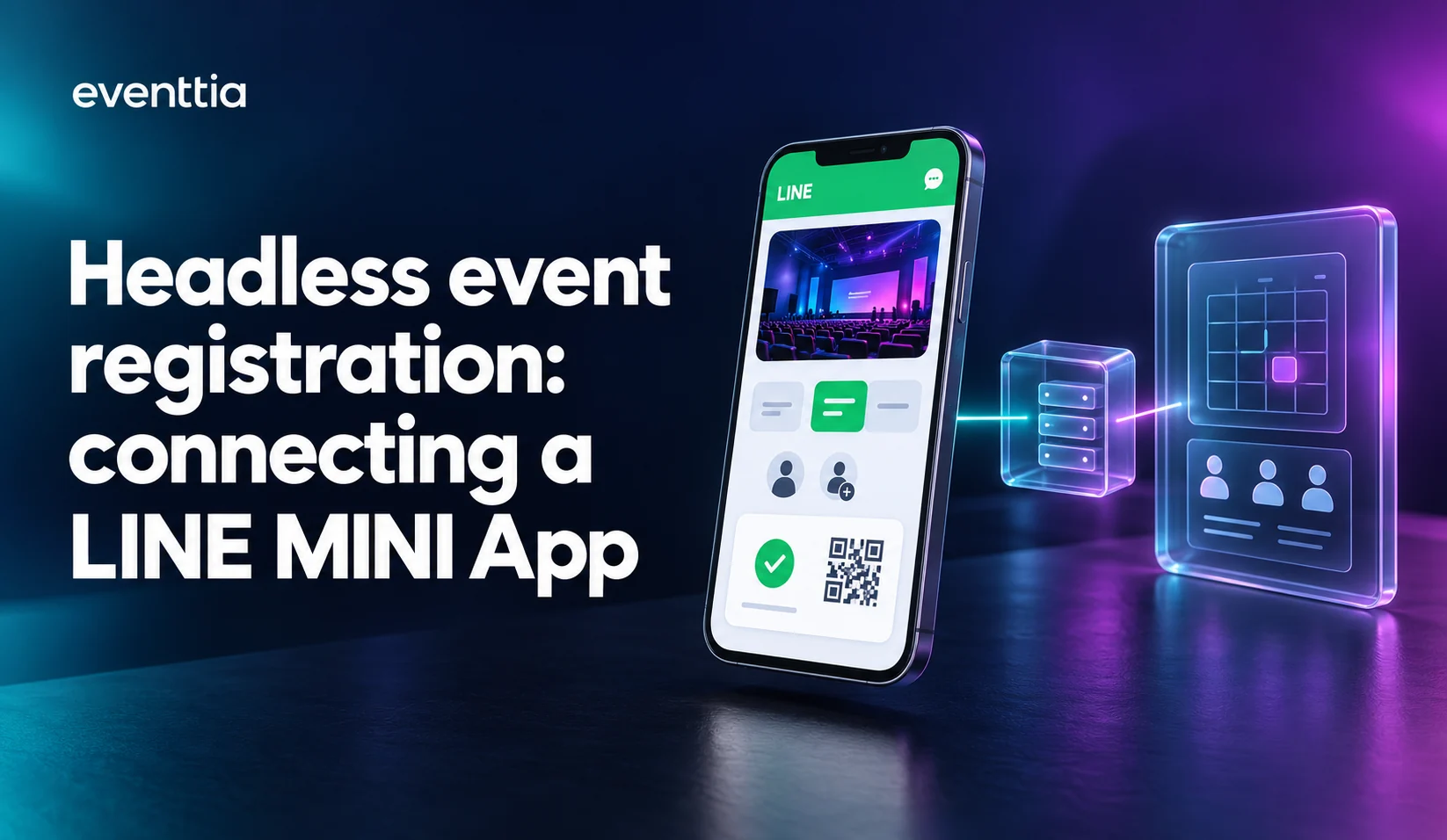
Headless event registration means the booking screens live in an app the brand owns, while an event platform runs registration, capacity and check-in behind it through an API and webhooks. The guest never leaves the brand’s app.
In Japan, that app is often a LINE MINI App. A brand wants its guests to book a time slot without leaving LINE, with the brand’s screens and in the brand’s language. Someone still has to hold the seats, register the guests and check them in at the door. That is the part Eventtia does.
Cartier runs its event bookings in Japan through a LINE MINI App on Eventtia. This article describes the architecture behind that kind of integration, for teams that want to put event booking inside an app they own, LINE or any other. For the project view (who builds what, steps, FAQ), see our LINE integration guide.
The architecture at a glance
| Part | Owner | What it does |
|---|---|---|
| LINE MINI App | The brand or its agency | Event pages, time slots, booking and companion forms, confirmation, QR code |
| Brand-operated backend | The brand or its agency | Verifies the LINE user, maps them to bookings, calls the Eventtia API, caches data for display, receives webhooks |
| Eventtia | Eventtia, configured by the brand’s event team | Events, sessions, capacity, registrations, companions, check-in |
Three rules carry most of the design:
- The backend caches for display. Eventtia decides capacity.
- A seat is confirmed only when Eventtia accepts the session booking.
- Webhooks reduce polling, and the backend still reconciles its copy.
Who builds what in a LINE MINI App integration?
The LINE MINI App is the guest experience: event pages, time slots, the booking and companion forms, the confirmation and the QR code. The brand or its agency designs and builds it.
The brand-operated backend sits between the MINI App and Eventtia. It verifies the LINE user, maps that user to their bookings, calls the Eventtia API, caches what the screens need and receives our webhooks. The Eventtia token lives here, never in the MINI App. This is not a thin proxy. It is where most of the integration work happens.
Eventtia holds the state that must not be wrong: events, sessions, capacity, registrations and check-in. The brand’s event team configures events, sessions and capacity in the Eventtia back office, as for any other time-slot event.
How does the event booking API protect capacity?
A launch is mostly reads. Many guests open the event page in the same few minutes, look at the time slots, hesitate and come back. If every screen view becomes an API call, the backend reaches the rate limit fast.
Our standard limit is 100 API calls per minute. For enterprise projects we can raise it for the integrator’s server addresses. During peaks, Eventtia queues incoming requests and processes them progressively.
So the backend keeps a copy of events and session availability and serves the screens from it. How fresh that copy must be depends on the project and on the launch, and the team chooses a refresh policy for it. Whatever the policy, the availability shown on screen is provisional.
The booking is a write, and it goes from the backend to Eventtia. Creating the attendee and booking the session are two separate operations in the Eventtia API. Eventtia validates capacity when it processes the session booking, and the app confirms the seat only when that booking succeeds. When a session is full, the app has to show that answer clearly.
Polling or webhooks: how does the backend stay current?
The simplest way to keep the backend’s copy current is to fetch session data periodically. It works and it is easy to debug. It also spends API calls, and the copy is always a little behind.
Webhooks reduce that work. Eventtia notifies the backend when an event is updated, when an activity session is created, updated or deleted, and when an attendee is created or updated, including check-in status. Webhooks can be set per event in the back office, or once for the whole account through the API (account webhooks reference).
Webhooks are notifications, not a replacement for every read. The backend still needs a way to reconcile its copy with Eventtia, for example after downtime.
Do companions take a seat?
Yes. Guests often come with someone. In Eventtia, each companion is a linked attendee and takes one seat in the session, the same rule as any registration. The app can collect a companion’s own details later, for example through a link the main guest shares, and send them with the update endpoints.
Treating companions as real attendees keeps capacity honest. It also lets check-in work person by person.
How does check-in reach the brand’s backend?
At the door, staff scan the guest’s QR code with the Eventtia check-in app. The scan updates the attendee, and Eventtia reports the new check-in status through the attendee-updated webhook. The brand’s backend then knows who came.
What happens next is the brand’s decision: a thank-you message in LINE, a note in the CRM, or nothing.
Japanese registration data
Some of the practical work in a Japanese integration is about small data rules. Email addresses from mobile carriers, such as docomo.ne.jp, ezweb.ne.jp and i.softbank.jp, pass validation. The API returns each event’s configured date format, so the MINI App can show dates the same way. Phone numbers are validated by country with Google’s libphonenumber.
Which API versions can you use?
API versions 3 and 4 are both available. Earlier versions stay active, and each new version adds capabilities. An integration can use either.
What to settle before production
A few decisions are worth settling with us before the first launch, because they are where a booking flow fails under load:
- Booking outcomes. What the app shows while a booking is in progress, after a timeout, and when the result is unknown.
- Repeat submissions. How the backend handles a guest who taps twice, or retries after a timeout, without creating a second booking.
- Webhook handling. How the backend verifies incoming webhooks, handles retries and duplicates, and copes with notifications that arrive out of order.
- Reconciliation. How and when the backend compares its copy with Eventtia, so a missed notification does not leave a wrong count on screen.
The endpoint details are in the Eventtia API reference.
Can AI assistants use the same building blocks?
Yes. Once registration is a set of building blocks behind an API, the interface on top can change. A LINE MINI App is one. A brand’s own app is another. An AI assistant is a third.
The Eventtia MCP server (Model Context Protocol) lets an assistant read events, read session availability, register a guest and read check-ins. Its access follows the connected user’s Eventtia permissions, which is a different arrangement from the machine-to-machine token a backend uses.
FAQ
What is headless event registration?
Headless event registration means the guest-facing booking screens live in an app the brand owns, such as a LINE MINI App, while an event platform runs registration, capacity and check-in behind it through an API and webhooks. The guest never leaves the brand’s app.
Can a LINE MINI App use Eventtia for event registration?
Yes. The brand or its agency builds the LINE MINI App and a backend that calls the Eventtia REST API and receives Eventtia webhooks. Eventtia holds events, sessions, capacity, registrations and check-in. Cartier runs its event bookings in Japan through a LINE MINI App on Eventtia.
Who decides capacity in a headless booking flow?
Eventtia does. The brand’s backend can cache event and session data for display, but Eventtia validates capacity when it processes the session booking, and the app confirms the seat only when that booking succeeds.
What are the Eventtia API limits for a launch?
The standard limit is 100 API calls per minute. For enterprise projects, Eventtia can raise it for the integrator’s server addresses. During peaks, Eventtia queues incoming requests and processes them progressively.
Do companions count against session capacity?
Yes. In Eventtia, each companion is a linked attendee and takes one seat in the session, the same rule as any registration. The app can collect a companion’s own details later.
Should the backend poll Eventtia or use webhooks?
Both have a place. Webhooks notify the backend when events, sessions and attendees change, including check-in status, which reduces polling. The backend still needs a periodic way to reconcile its copy with Eventtia, for example after downtime.
If you are planning event booking inside LINE or inside your own app, our LINE integration guide lists who builds what, the API building blocks and the implementation steps.
Eventtia is the platform behind the brands setting the standard.
Talk to us about how the platform fits into your stack: registration, communications, on-site and analytics, exposed deeply enough to compose.