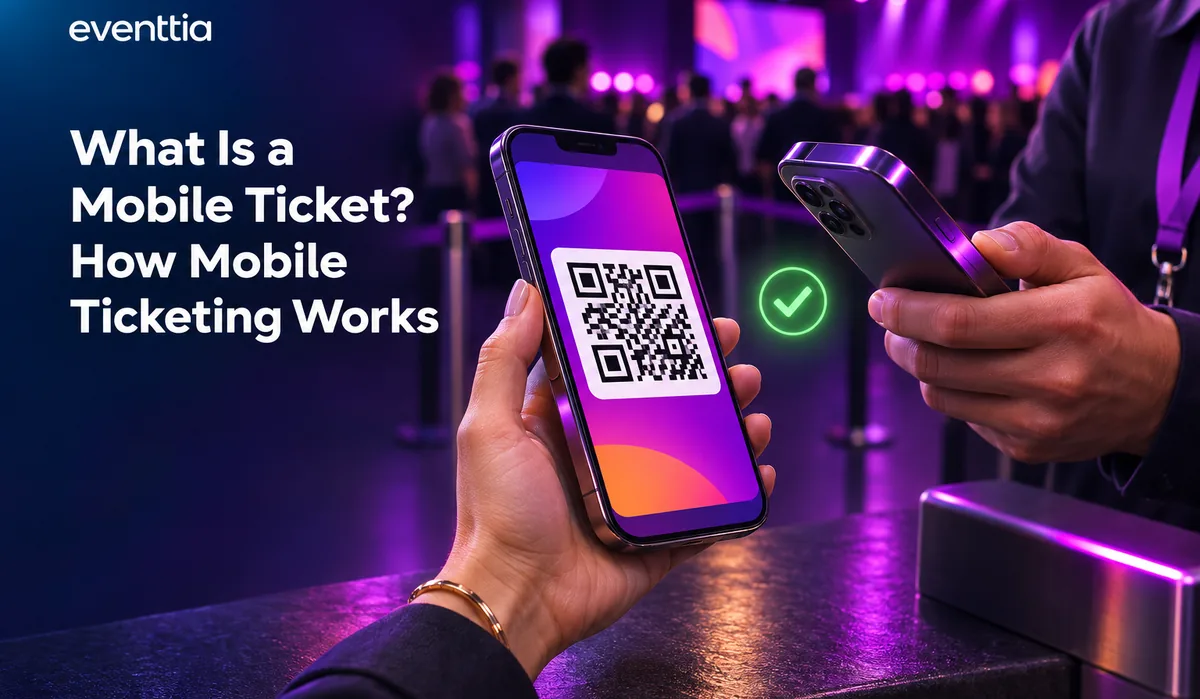
A mobile ticket is a ticket delivered to a phone and scanned or tapped at entry instead of being printed. It can be a QR code in an email, a PDF, an in-app ticket or a pass in Apple Wallet or Google Wallet. In every case, a unique code is read at the door and checked against the organizer’s records.
What is a mobile ticket?
A mobile ticket is a digital ticket that the holder presents on a phone. The ticket itself is a code, usually a QR code or a barcode, that points to a record held by the organizer: who the ticket belongs to, what it gives access to and whether it has already been used.
The term covers very different products. The ticket for a stadium concert in a ticketing app and the QR code a conference sends after registration are both mobile tickets, but they are issued, stored and checked in different ways. Most of the confusion around mobile tickets comes from treating them as one thing.
How does a mobile ticket work?
A mobile ticket works in four steps, from the purchase to the scan:
- The ticket is issued. When someone buys a ticket or registers, the system creates a unique code linked to that order or attendee.
- The ticket is delivered. The code reaches the phone by email, inside an app, or as a pass for the phone’s wallet.
- The holder shows it. At the venue, the holder opens the ticket and turns the screen toward the scanner.
- The code is validated. A scanner or a check-in app reads the code, checks it against the organizer’s list and records the entry. For a single-entry ticket, a second scan of the same code is refused or flagged.
The fourth step is the one that matters. A mobile ticket is only as good as the system that validates it, which is why the choice of check-in app affects the guest experience as much as the ticket design.
What are the types of mobile tickets?
There are four common types of mobile tickets: a QR code in an email, a PDF ticket, an in-app ticket and a wallet pass. Some venues add a fifth, a contactless ticket read by an NFC reader.
| Type | Where it lives | Needs an app | Can change after delivery | Typical use |
|---|---|---|---|---|
| QR code in an email | The inbox | No | No, a new email is sent | Conferences, corporate and brand events |
| PDF ticket | The inbox or the downloads folder | No | No, a new file is sent | Events where some guests still print |
| In-app ticket | The ticketing company’s app | Yes | Yes | Concerts, sports, large public events |
| Wallet pass | Apple Wallet or Google Wallet | No extra app | Yes, the issuer can update it | Any event that wants the ticket easy to find |
| NFC ticket | The phone’s wallet | No extra app | Yes | Venues equipped with NFC readers |
An organizer rarely has to pick one. A common setup is a QR code in the confirmation email for everyone, plus a wallet pass for the guests who want it. On Eventtia, 46% of the events held in the third quarter of 2026 have wallet passes enabled. Our guide to the wallet pass explains how passes are issued and what a .pkpass file is.
What is the difference between an e-ticket and a mobile ticket?
An e-ticket is any ticket delivered electronically, and a mobile ticket is an e-ticket made to be shown on a phone. A PDF sent by email is an e-ticket that can be printed at home or opened on a screen. A ticket inside an app or a wallet is a mobile ticket in the strict sense, because it is made to be presented from the phone or a paired watch.
In everyday use the two words overlap. What an attendee needs to know is narrower: whether a printout is accepted, and whether the ticket has to be opened in a specific app.
Are mobile tickets safe?
Mobile tickets are safe when each code is unique and validated at the door against the organizer’s rules. The protection does not come from the image on the screen, which anyone can copy, but from the check: the system knows whether a code has already been used and, for a single-entry ticket, refuses it the second time. A unique code does not tell you who is holding it, which is why named tickets and a look at the attendee’s details on scan still matter.
Large consumer ticketing companies add a second layer for resale and fraud. Ticketmaster, for example, states that a screenshot or a printout is not accepted and that the ticket must be shown in its app, its mobile website or the phone’s wallet (Ticketmaster).
For registration-based events the risk is different. Tickets are tied to named attendees and are seldom resold, so the realistic problems are a forwarded email or a guest who cannot find the code. A check-in app that shows the attendee’s name on scan lets staff confirm that the person in front of them is the one registered, and a search by name covers the missing code.
What happens if the phone has no signal or no battery?
A ticket already stored on the phone opens without a signal. A dead phone is harder: what happens depends on the issuer, and only some systems let staff find the guest by name. Both cases come down to preparation, on the guest’s side and on the organizer’s.
For attendees, the habit that prevents trouble is opening the ticket before leaving: download the email, save the PDF or add the pass to the wallet. Ticketmaster notes that a ticket viewed in its app is saved for offline use (Ticketmaster).
For organizers, the weak point is usually the venue network at peak arrival. The check-in app should keep scanning offline and sync when the connection returns, and staff should be able to find a guest by name or email after confirming who they are. The Eventtia check-in app does both, and can register walk-ins on site.
How do you issue mobile tickets for your own event?
You issue mobile tickets through the platform that takes the registrations or sells the tickets, because the code has to come from the same record the door will check. Building tickets in one tool and validating them in another means keeping the two in sync, through an integration or by exporting and importing lists before each event.
In practice, look for five things:
- A unique QR code per attendee, sent automatically in the confirmation email. For a group order, each participant should get an individual code.
- A wallet pass for Apple Wallet and Google Wallet, generated from the same registration.
- Updates when the booking changes, so a moved session or a cancelled ticket does not leave a valid-looking code behind.
- A check-in app for staff phones and tablets that works offline and shows the attendee’s details on scan.
- Payments connected to the registration, if the ticket is paid, so a refund or an unpaid order is reflected at the door.
Eventtia covers this as part of event ticketing and paid registration: tiered pricing and group orders, a QR code in every confirmation, wallet passes and a native check-in app. If you are comparing vendors, our roundup of the best event ticketing platforms covers marketplaces and registration platforms side by side.
Frequently asked questions
Do you need to print a mobile ticket?
No. A mobile ticket is presented on the phone. Some organizers still accept a printed copy of a QR code or a PDF ticket, but tickets that live in an app or a wallet are meant to be shown on the phone, so check the instructions in the confirmation.
Can you use a screenshot of a mobile ticket?
It depends on the issuer. A QR code sent by email is a fixed image, so a screenshot of it scans the same way. Tickets shown inside a ticketing app are often built to stop this: Ticketmaster, for example, states that a screenshot or printout is not accepted for its mobile tickets.
Do mobile tickets work without an internet connection?
Usually, if the ticket is already on the phone. A QR code in a downloaded email, a saved PDF and a wallet pass can all be opened without a signal. An in-app ticket has to be opened once beforehand so the app can store it. The scanner is the other half: the check-in app at the door has to keep working offline too.
Can a mobile ticket be transferred to someone else?
Only if the issuer allows it. Consumer ticketing apps usually offer a transfer function that moves the ticket to another account. For registration-based events such as conferences or invite-only events, the ticket is tied to a named attendee, and the organizer decides whether the name on a registration can be changed.
Eventtia is the platform behind the brands setting the standard.
Talk to us about how the platform fits into your stack: registration, communications, on-site and analytics, exposed deeply enough to compose.