


Retail and luxury · Time slots

Time-slot booking for private viewings, private sales and VIP client events.

Eventtia's time-slot booking software lets brands run private viewings, private sales, one-on-one VIP appointments, exhibitions and other timed-entry client experiences. You set the number of places in each slot, publish a booking page in your own brand, and check guests in when they arrive. Clients see how many places are left, and can move their booking to another slot or cancel it on their own.

rendezvous.ilvane.comEN

MAISON ILVANE

The Archive Rooms

A private viewing of the 1920s collection · Paris, 8th

  • 13:00Full
  • 13:308 places left
  • 14:003 places left
  • 14:306 places left

Local time, Paris

Illustration
Places
Places left per slotClients see them. Full slots close.
Changes
Move or cancel on their ownThe place opens again for others.
Arrival
Scan and chooseFor guests who arrive early or late.
AI
Slots from your assistantCreate and report through the MCP server.
Formats

Make time for every kind of visit.

Private viewings, hands-on experiences and shopping by invitation. Set the duration and number of places for each.

  • Illustration of a guest learning leatherwork with a craftsperson at an atelier

    Ateliers & experiences

    Make room for fittings, creative workshops and personal services.

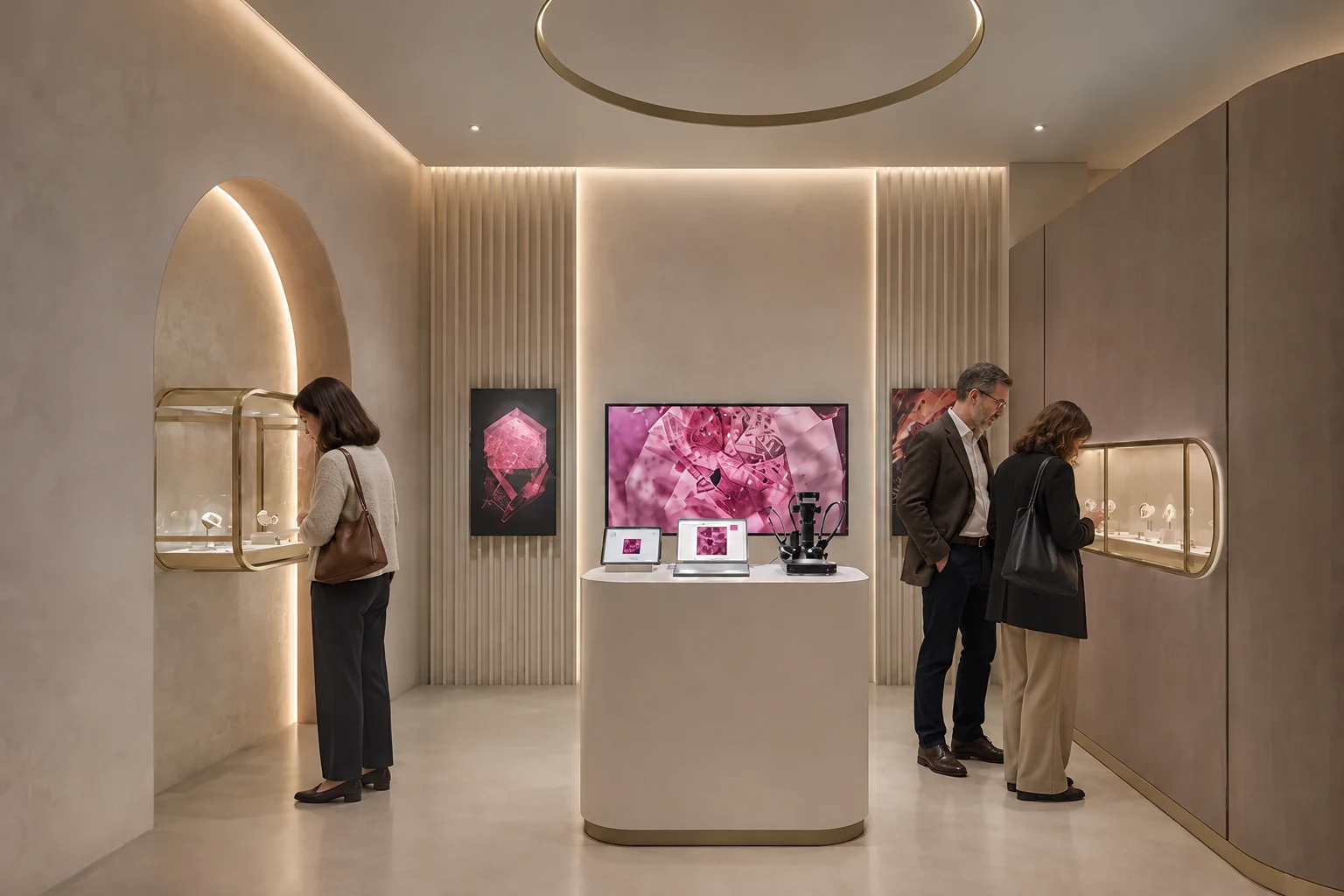
  • Illustration of three visitors browsing a jewelry exhibition

    Exhibitions & private viewings

    Welcome visitors throughout the day, with a set number of places per visit.

  • Illustration of a customer and advisor examining a running shoe in a sports store

    Private sales & trunk shows

    Invite small groups to discover a collection at their chosen time.

Also for

  • Test drives
  • Product care
Programs

One program, several activities

A program can hold several activities, each with its own slots. A guest can book more than one in the same visit: for example, a guided visit and then an atelier.

Booking

How a booking works for your client.

  1. The invitation or the link

    The client receives an email from your brand, or finds the page on your site. The page is on your own domain, shows only your brand, and lets clients choose their language.

  2. Date and time

    The client picks a day, then a slot, and sees how many places are left in each. Full slots cannot be booked. Times are shown in the local time of the venue.

  3. Details and companions

    The client fills a short registration form and, if you allow it, adds companions. Every person takes a place in the slot.

  4. Confirmation

    The client receives a confirmation email with a QR code, a calendar invite and an Apple Wallet or Google Wallet pass. If your team reviews bookings first, the client sees that the booking is pending, then receives the confirmation once it is approved.

  5. A reminder

    A reminder goes out a set time before the booked slot.

  6. A change of plan

    The client can move or cancel the booking without writing to your team. Either action releases the original place. After a move, the client receives a new confirmation with an updated calendar invite and Wallet pass.

rendezvous.ilvane.comENFRES

MAISON ILVANE

The Archive Rooms

A private viewing of the 1920s collection · Paris, 8th

Who is coming?
You + 1 companion

Every person takes a place.

Choose a day

Choose a time · Local time, Paris

Illustration
Calendar

How your team runs the calendar.

  • Slots and places

    Create the slots one by one or import them in bulk, and set the number of places in each. Luxury programs on Eventtia mostly use slots of 30, 45 or 60 minutes.

  • Who can book

    Keep the page open to anyone with the link, limit booking to a guest list matched by email, or review each booking before you accept it. Invite-only registration

  • Several boutiques or countries

    Run one program per boutique or city, or one program with activities in several places. All programs appear in one back office. Store event software

  • The next season

    Clone a program to reuse its page, form, emails and settings, then import or create the new slots. Maisons run slot programs season after season.

  • After the visit

    Bookings and check-ins can be sent to your CRM through a configured integration, using webhooks and the Eventtia API, mapped to your own fields. Clienteling events connected to Salesforce

  • The first program

    For luxury brands, our team usually builds the first program from your own designs. Your team then creates the next programs on its own. Integrations can be built by your team, by Eventtia, or by an integrator you choose. Before you share the link, test a booking, a change and a cancellation.

AI assistants

Create time slots with your AI assistant.

Through Eventtia's MCP server, your AI assistant can create and update slots, then report bookings, attendance and check-ins by slot. The MCP server is included in every plan.

Works with Claude, ChatGPT and Copilot

Example request

For our Paris private viewing, create 30-minute slots from 12:00 to 20:00 local time, every day from 3 through 23 November 2026, with eight places per slot. Tell me how many slots you created.

What the assistant can do with slots

  • Create slots
  • Update slots
  • Report bookings by slot
  • Report attendance and check-ins by slot
Check-in

When guests arrive.

Staff scan the guest's QR code with the onsite app, from the email or the Wallet pass. Guests do not always arrive on time, so the app shows the slot the guest booked and lets staff choose the slot to check them into.

Sync the guest list before doors open: staff can then check guests in without a connection, and the app syncs when the network is back. Walk-ins can be registered on the spot. Check-in app

13:40
●●●○82%

QR code scanned

The Archive Rooms · Thu 5 Nov

Claire Moreau + 1 Booked slot: 14:00 Arrived at 13:40 Early

Check in to

  • 13:30
  • 14:00 booked slot
  • 14:30
Check in
Dashboard
Attendees
Activities
Settings
14:00 slot · live
Louis Garnier
Booked 14:00
Checked in
Mia Laurent + 1
Booked 14:00
Checked in
Ana Ruiz + 2
Booked 14:00
Pending
Offline mode
Guest list synced at 11:50
2 check-ins will sync later
Illustration
Clients

Two brands, two kinds of programs.

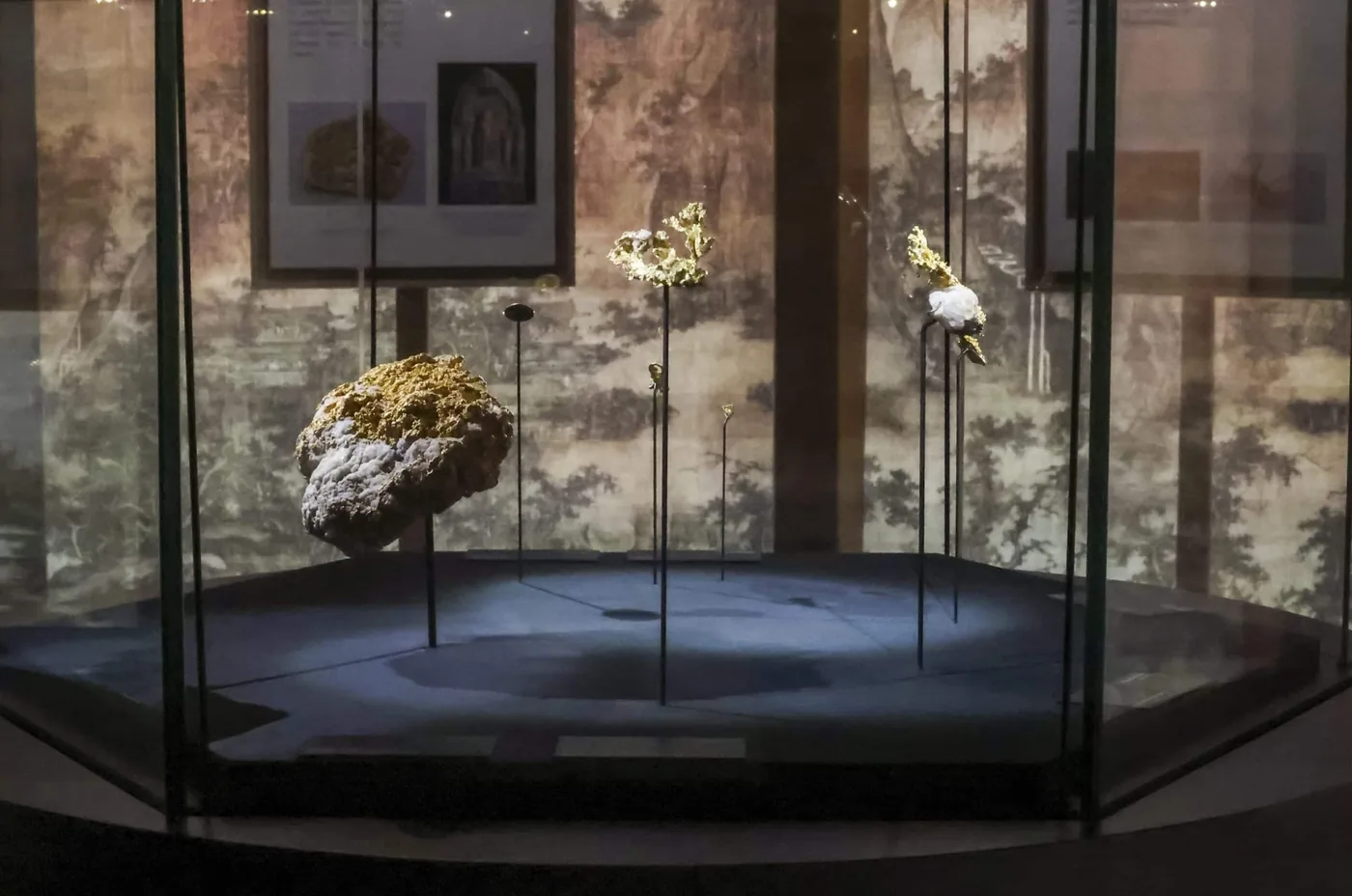
Gold specimens on stands in a display case at a Van Cleef & Arpels L'ÉCOLE exhibition

Exhibitions booked by time slot

Since 2024, Van Cleef & Arpels has run its L'ÉCOLE, School of Jewelry Arts exhibition program on Eventtia: more than 30 exhibitions in more than 10 countries, and more than 150,000 registered visitors. Visitors book a time slot for an unhurried visit, families and friends register together, and teams check them in at the door.

At Les Jardins Secrets, its space inside Raffles Hotel Singapore, visitors book daily timed entries from 12pm to 8pm. Four exhibitions have opened there since 2024.


Read the Van Cleef & Arpels case study →

A speaker on stage at a Sony Alpha Bootcamp

Service appointments in Sony Stores

Sony Latin America runs its Sony Store program on Eventtia, from Alpha Universe photography workshops to service appointments such as sensor cleaning and in-store consultations. Customers book their appointment online, and teams in several countries create sessions in bulk from one platform.

Booking and attendance data flows into Sony's own systems through the Eventtia API, so the team follows attendance and registration rates as they happen.

Read the Sony case study →

Compare

Which kind of tool fits your program.

Choose around your main need: an advisor's schedule, the client relationship, or a timed event program. Capabilities overlap; compare each tool against the workflow you need.

If your main need isLook atBuilt for
Everyday appointments with a named advisor, on that person's calendarAppointment scheduling tools such as Booxi or TIMIFYStaff and resource calendars, services and group bookings.
Knowing each client and following up after the visitClienteling tools such as Endear or ClientbookClient profiles, personalized outreach and follow-up.
Registration and guest management for an event programEvent platforms such as Eventtia, Cvent or RSVPifyEvent registration and attendee management. Check how each handles timed entry, companions, booking changes and CRM connections.

If you already use an appointment tool for everyday services, you can evaluate Eventtia for exhibitions, private sales and other timed events. For a longer look at timed-entry registration, read slot-based event registration.

FAQ

Time-slot booking, answered.

What is time-slot booking for an event?

Guests book a specific date and time for a visit, instead of registering for the event as a whole. Each slot has its own number of places, guests see how many are left, and a full slot cannot be booked.

Can Eventtia handle one-on-one VIP appointments?

Yes. Set one place per slot for a private appointment with one client, or two places if the client may bring a companion. The client books on your branded page and receives a confirmation with a QR code, a calendar invite and a Wallet pass.

How is time-slot booking different from appointment scheduling software?

Appointment scheduling tools typically focus on staff and resource calendars for ongoing services. Time-slot booking books places in a program, such as an exhibition, a private viewing or a series of ateliers. Each slot has its own number of places, the page carries only your brand, booking can be limited to invited clients, and staff check guests in with the onsite app. If you already use an appointment tool for everyday services, you can keep it and run timed programs alongside it.

Can a client change or cancel their booking?

Yes. The client can move the booking to another available slot or cancel it, without contacting the organizer. Either action releases the original place. After a move, the client receives a new confirmation with an updated calendar invite and Wallet pass.

What does the client receive after booking?

A confirmation email with a QR code, a calendar invite and an Apple Wallet or Google Wallet pass. A reminder goes out a set time before the booked slot. If the client moves the booking, they receive a new confirmation with an updated calendar invite and Wallet pass.

Do companions count against the capacity of a slot?

Yes. Every person in a booking takes a place in the slot, whether the companion gives a name or not.

What happens when a guest arrives early or late?

Staff scan the QR code, see the slot the guest booked, and choose the slot to check them into.

In which time zone are slots shown?

For in-person programs, all times are shown in the local time of the venue.

Can booking be limited to invited clients?

Yes. You can limit booking to a guest list matched by email, or review each booking and approve it before it is confirmed.

Can an AI assistant manage the slots?

Yes. Through Eventtia's MCP server, an AI assistant can create and update slots, and report bookings, attendance and check-ins by slot.

Can we reuse a program for the next season?

Yes. Cloning copies the page, the form, the emails and the settings. Slots are not cloned: you import or create the slots of the new calendar.

Can time slots be used for test drives or product care appointments?

Yes. Any visit with a set length and a set number of places can run on time slots. For a test drive, each slot can be one car. For a product care appointment, such as a camera lens cleaning, each slot can be one client with a technician.

See a slot program built for your brand.

In a 30-minute demo, we show a booking page, a change and a cancellation from the client's side, and the calendar from your team's side.